
Using a Flipper Zero as an Anki remote.
Just keep clicking 🐬

I use a Flipper Zero as an Anki remote.
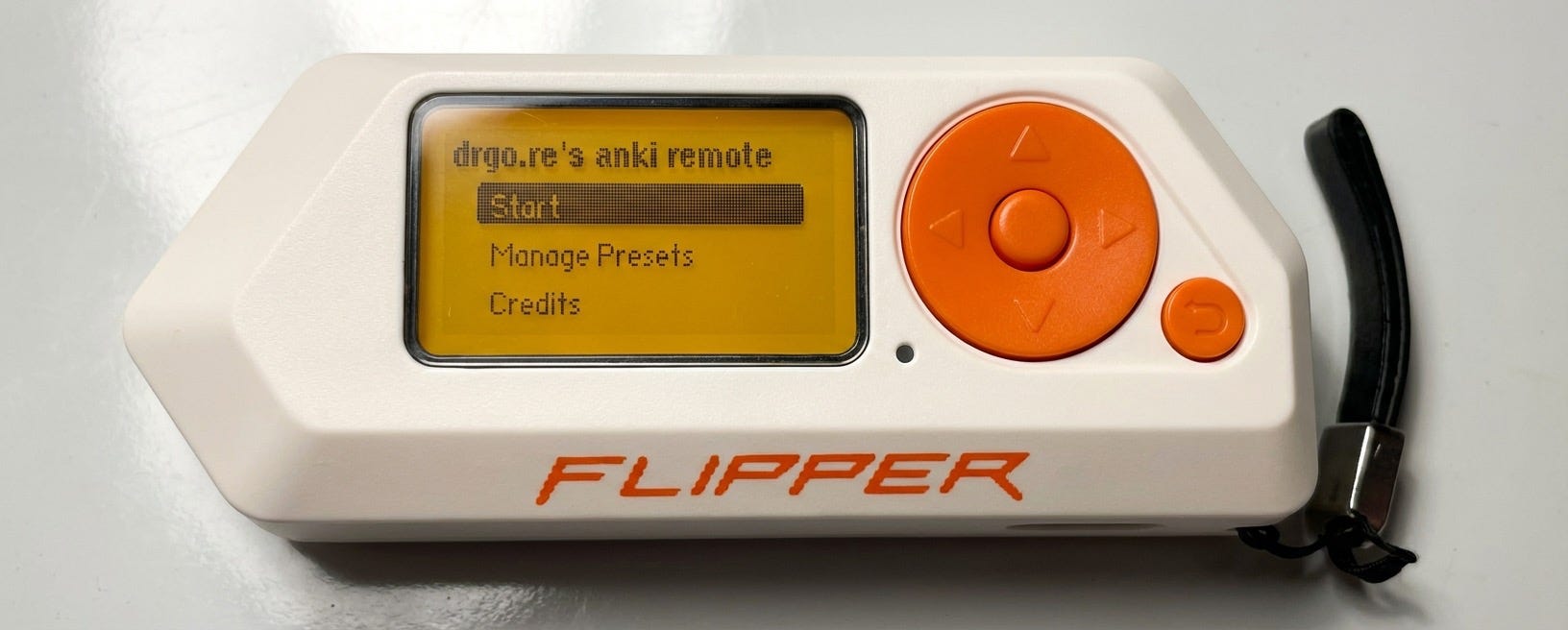
The Flipper Zero is basically a multitool for electronics enthusiasts, a Swiss Army knife of sub-GHz frequencies, NFC, etc. Most people are using it to mimic TV remotes or copy gym tags, but I mainly use it as the ultimate Anki remote.
Why use a remote?
If you’re an Anki power user like me, you know the struggle of review fatigue.
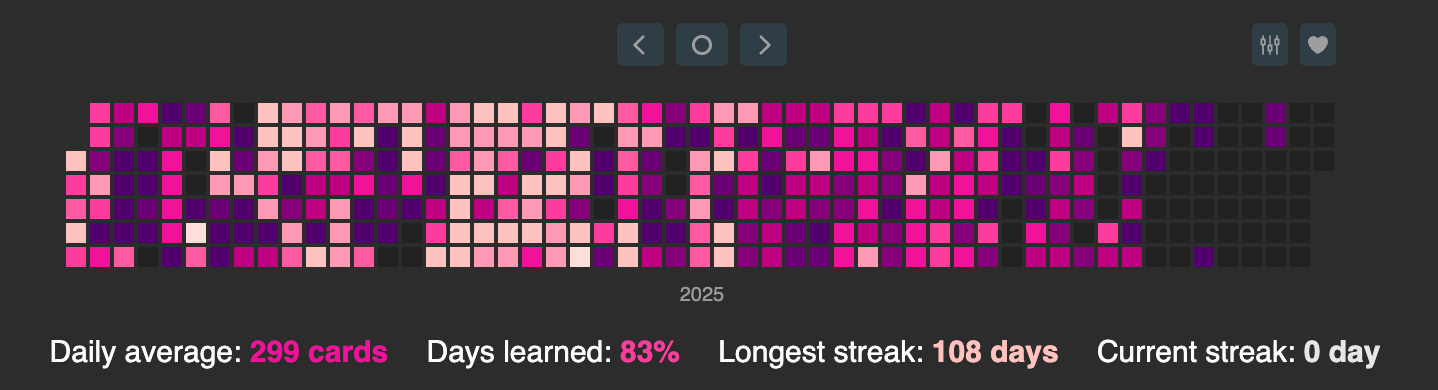
Often my hands would get tired after leaving them out on my keyboard for hours, especially after several weeks/months.
In winter, my fingers would get cold and I’d struggle to get the motivation to review cards (see the late middle of the year).
I wanted to review cards on exercise bikes/treadmills, but found it janky to hold my phone to complete my reviews.
Using a remote solves these issues!
What are the options?
I have tried a lot of different remotes for Anki over the years:
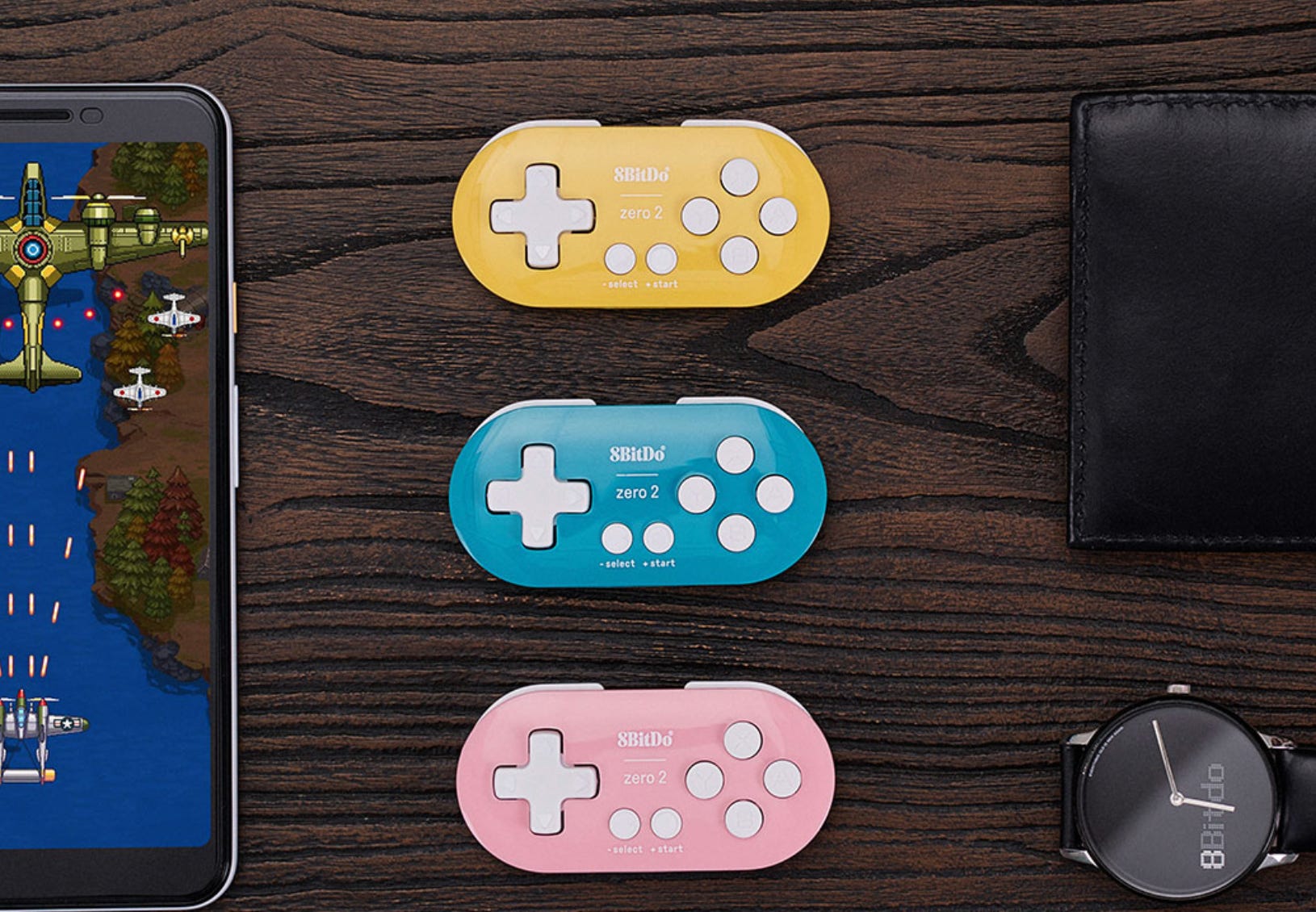
The 8BitDo Zero 2:
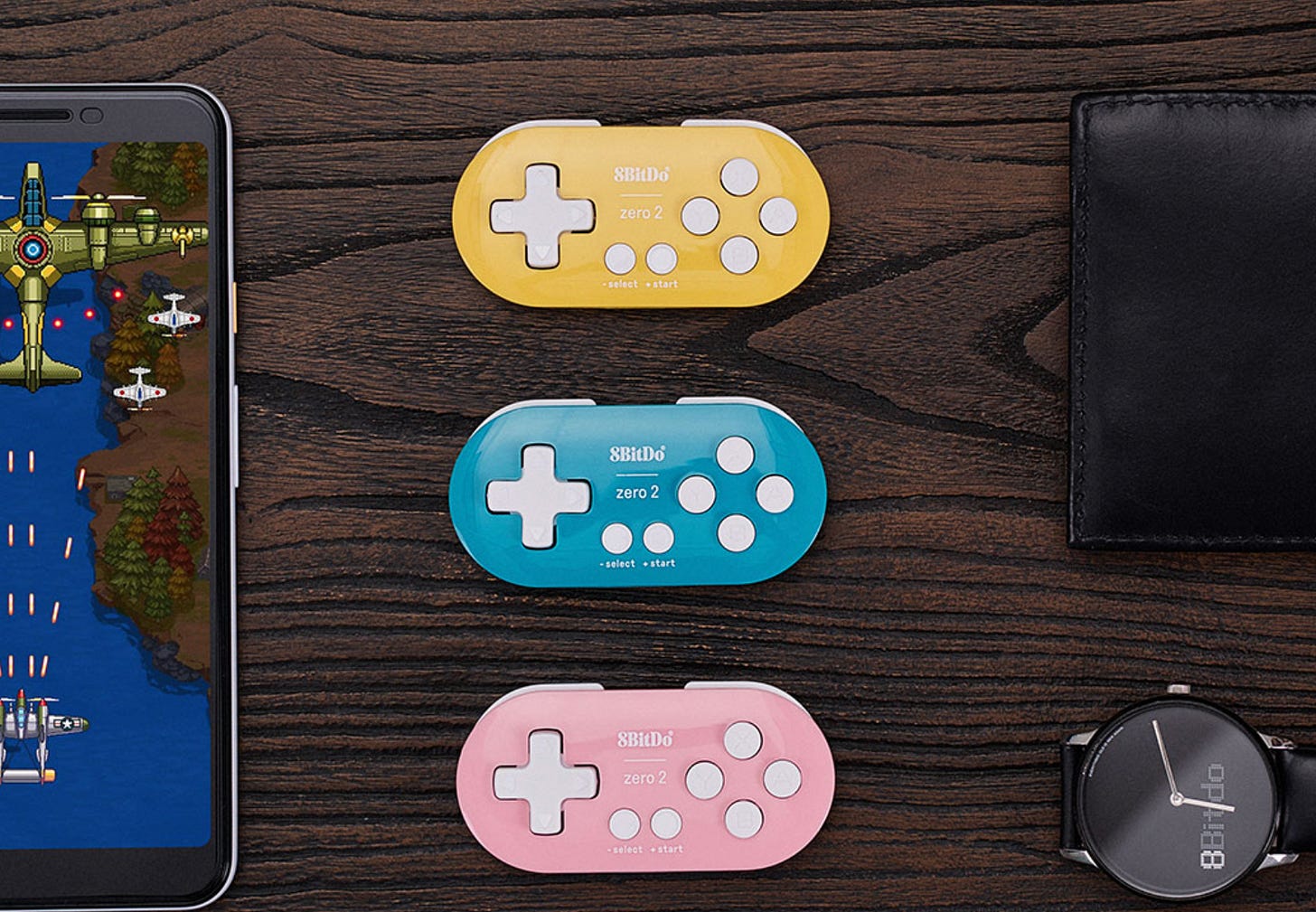
These tiny keychain-sized controllers are most people’s go-to for an Anki remote. They’re small, relatively inexpensive (~20 USD) and can be easily customised to Anki buttons. I didn’t like mine because I found I couldn’t map certain keys on my iPhone (which may be solved now), and also the buttons were a bit too loud and clicky (I couldn’t discretely review cards in year 12 when I wasn’t paying attention in class).
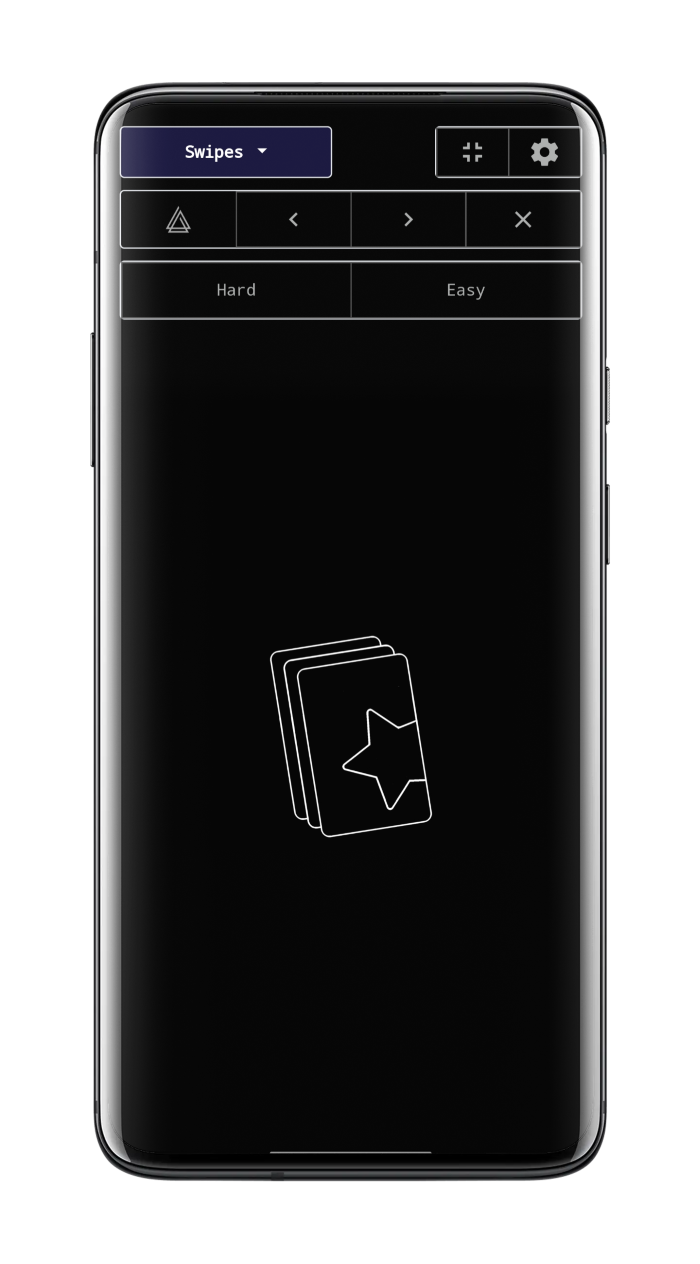
My phone via an addon:
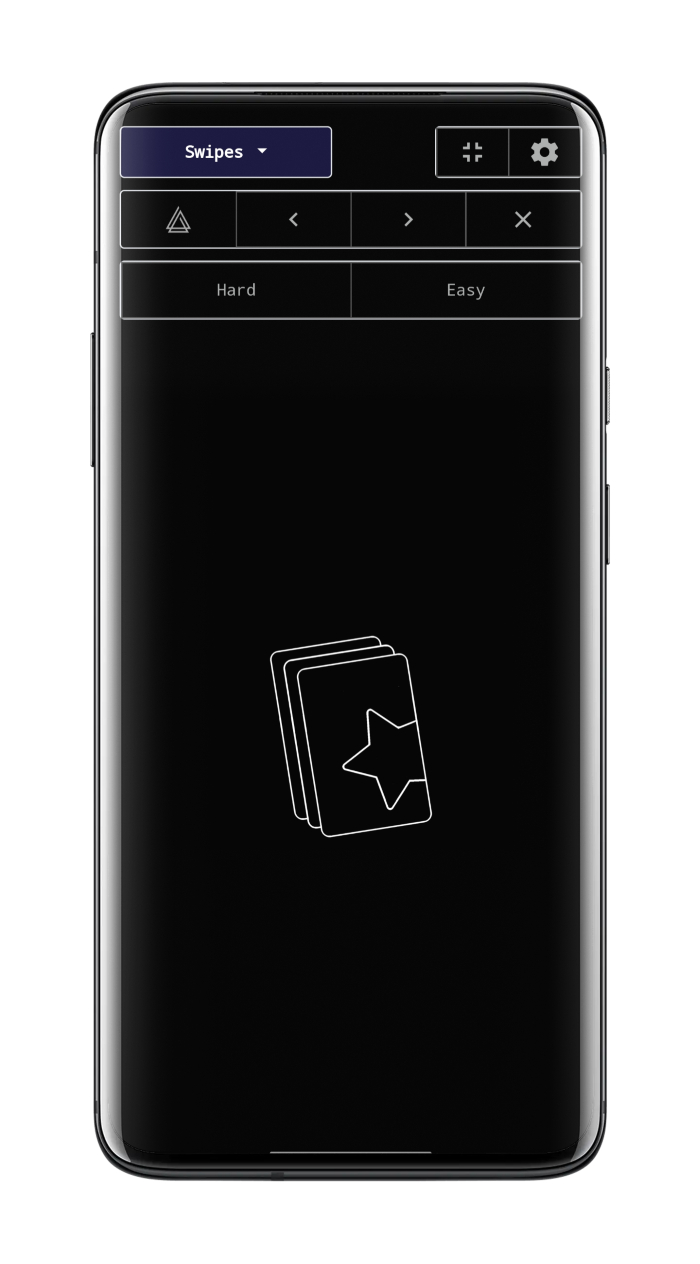
This allows you to use your phone as a remote, and lets you customise any swipe/tap to do any action. Kinda useful because you don’t have to carry a separate device around, but overall I prefer the tactile response and speed of an actual remote.
Controllers from AliExpress:
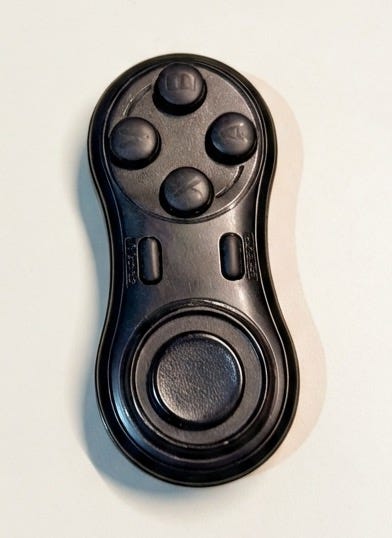
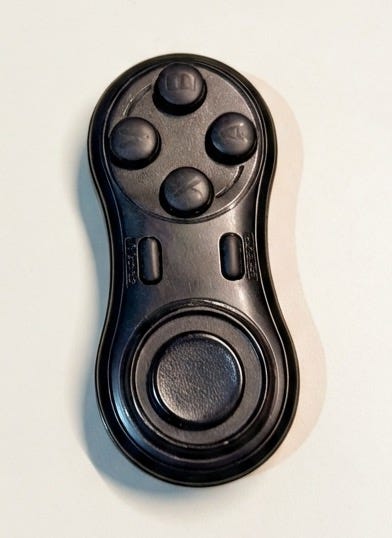
These are genuinely the best option and the ones I used for the longest time. They are cheap (if you buy in bulk) but at the cost of customisability (I had to configure them using Karabiner for Mac, worth it if you’re tech inclined). They have a joystick which is nice for scrolling!
The only downsides are that you cannot customise them on your iPhone and iPad, and also they charge via micro USB.
Nintendo Switch joycons
I personally haven’t tried these, but some of my friends have and really like it!
The Flipper:
The Flipper has genuinely been the best Anki remote and solved all my problems. It acts as a bluetooth keyboard and natively works across iOS, iPadOS, and MacOS without needing to worry about changing settings across platforms.
I use a modified version of the Anki Remote by Blue5GD.
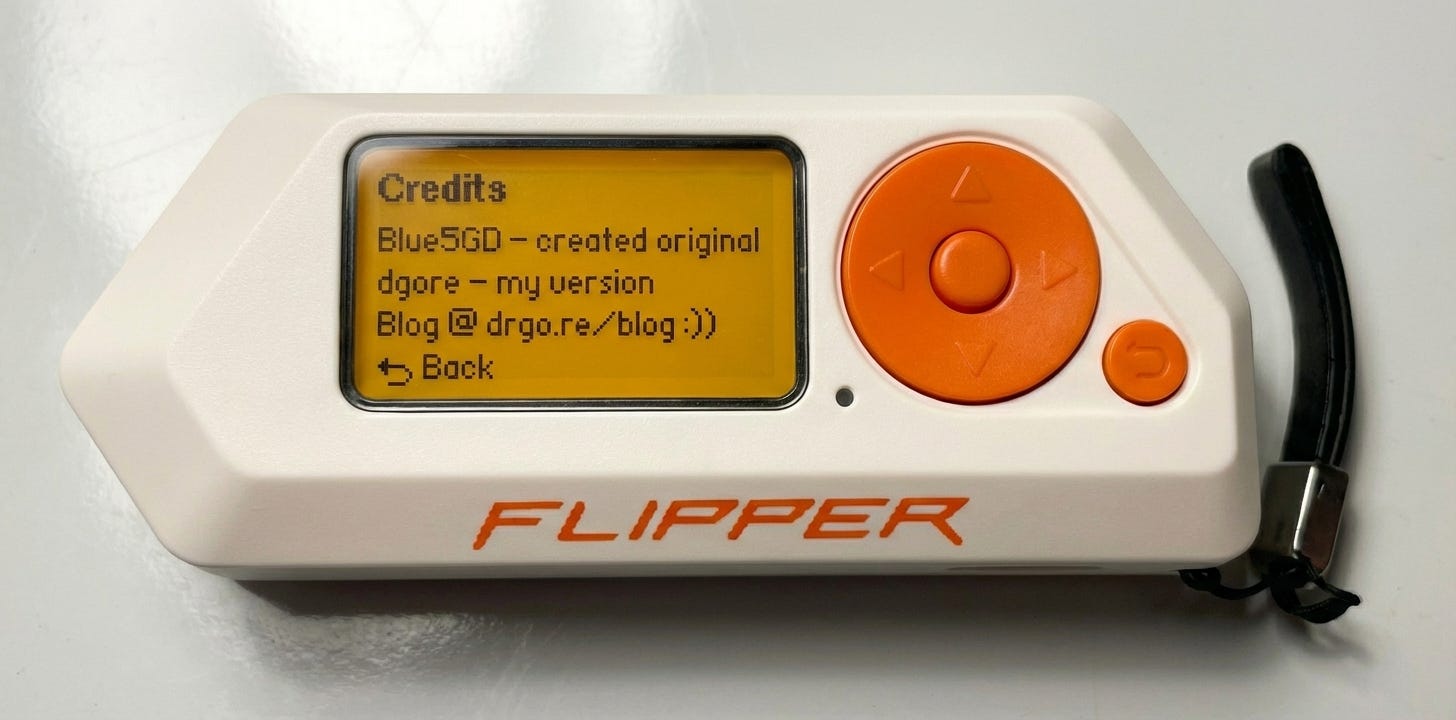
The main differences between my version and the original:
Default settings customised to my Anki custom note types and setup
Long press functionality. Currently only single press is supported by the original, and this doubles the number of mappable inputs!
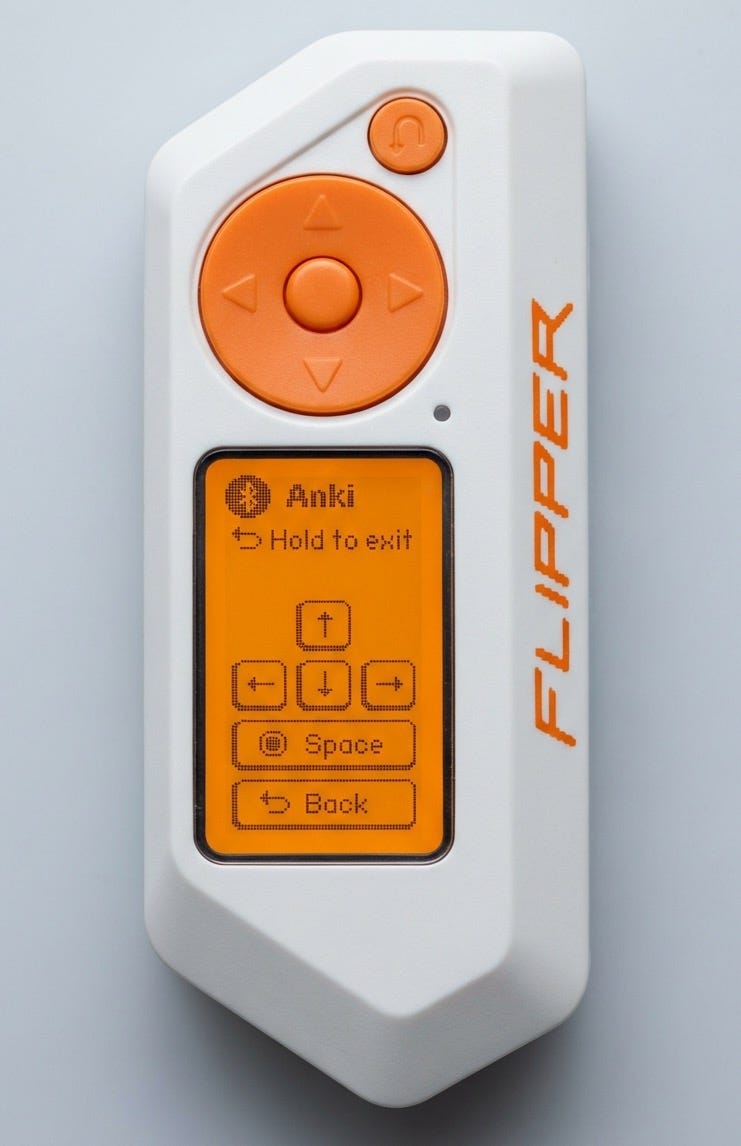
Vertical display when reviewing":
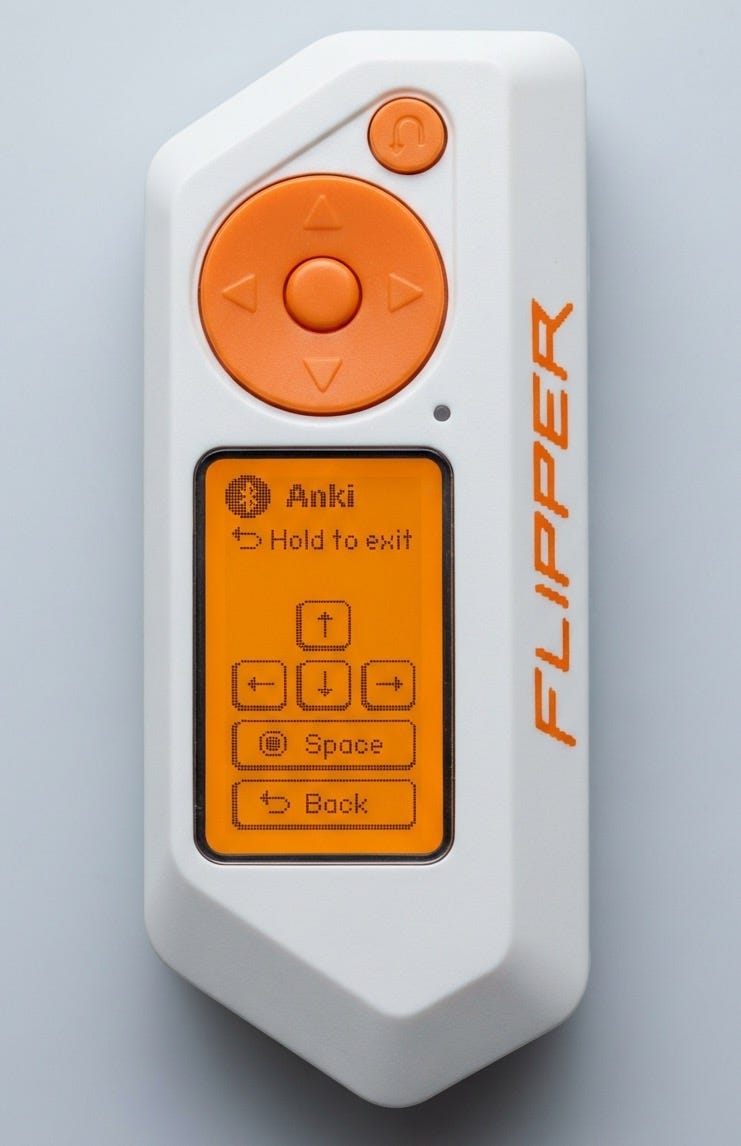
Preset support, easily switch to different profiles if desired.
Overall I’ve really enjoyed using the Flipper. It charges via USB C, does heaps of other useful things, has by far the best battery life, and can be customised infinitely to my liking. The only downside is the cost which is ~189 USD.
Thanks for reading, hope you enjoyed! Please consider liking and subscribing if you enjoyed, and feel free to check out my past posts :))